There’s something quite nice about RSS.
No algorithm deciding what you should see. No notifications fighting for your attention. No need to remember to check a website every day.
Just your favourite sites, collected in one place, waiting for you when you’re ready to read them.
And now, you can add this blog to that list.
The blog now has a dedicated RSS feed, which means you can subscribe and have new posts delivered straight into your favourite RSS reader, as they’re published.
If you use something like Newsify, or another RSS app, adding the blog is as simple as subscribing to the feed.
So, how do I subscribe?
If you’re using an RSS reader that lets you search for websites, you can simply search for arronhirst.com/blog and add it to your feeds.
Alternatively, you can copy the blog’s RSS feed address (arronhirst.com/blog/feed), and paste it directly into your reader.
Once you’ve added it, that’s pretty much it.
Whenever there’s a new post, it’ll appear right alongside everything else you follow. No account on this site is required, and there’s nothing else you need to set up.
Why RSS?
I think RSS makes a lot of sense for a blog like this.
There are quite a few different things appearing here at the moment — Apple, apps, technology, old internet memories, and the occasional trip down a particularly nostalgic rabbit hole.
Rather than relying on social media to tell you when something new has been posted, RSS puts you back in control.
You decide what you want to follow, and your RSS reader takes care of the rest.
It’s also a surprisingly nice way to read blogs. Open your RSS app, see what’s new, pick something that catches your eye and get on with reading it. There’s something refreshingly uncomplicated about that.
And if you’ve been around the internet long enough to remember when RSS was everywhere, well… welcome back.
A few good RSS readers
Newsify is a particularly nice option if you’re reading on an iPhone or iPad, but there are plenty of alternatives.
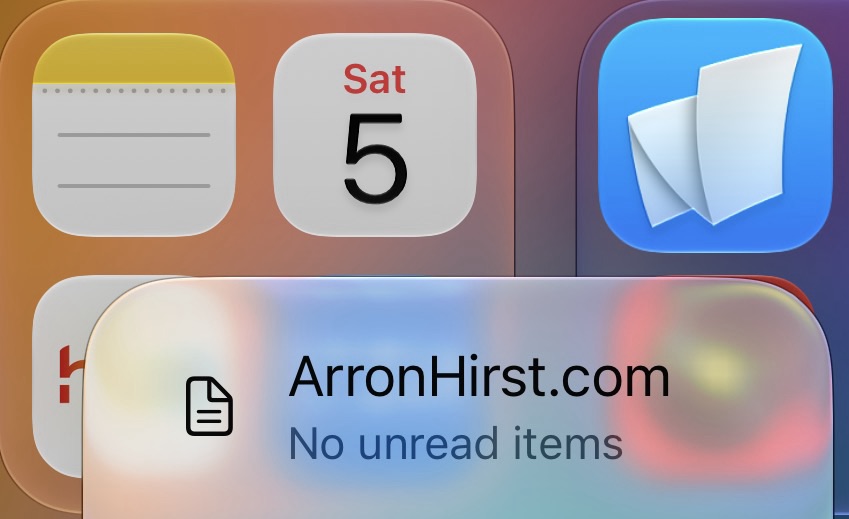
NetNewsWire is another excellent choice, especially if you like something simple and very Apple-like.
Feedly and Inoreader are worth a look if you follow a lot of websites and want something a little more powerful.
There are plenty of others too. The important thing is that you don’t need a particular app. If your RSS reader supports standard feeds, it should work.
And that’s it
You don’t need to bookmark the blog.
You don’t need to keep checking back.
You don’t even need to remember the address.
Just add the feed to your RSS reader and let it do the work.
It’s a small addition to the blog, but hopefully a useful one.
So if RSS is your thing, subscribe today it’s FREE — and I’ll see you in the feed.