Apple has officially released tvOS 27, bringing the latest round of software updates to Apple TV users.
Following the release of iOS 27, watchOS 27, visionOS 27 and macOS Golden Gate, tvOS 27 completes this year’s big Apple software rollout.
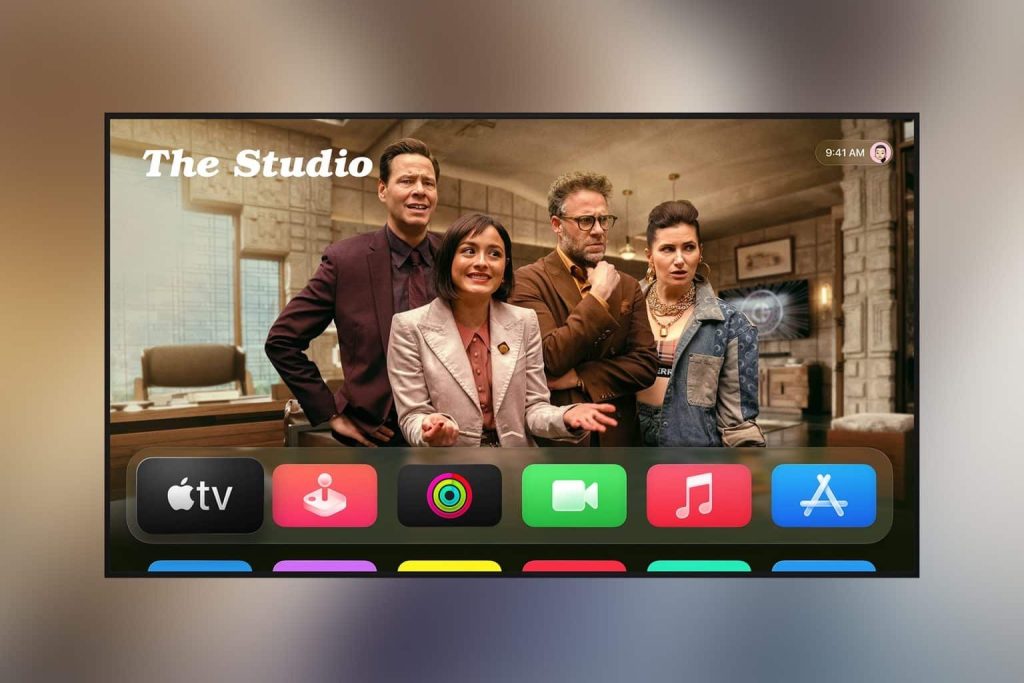
The update brings a refreshed experience to Apple TV, with Apple continuing to push the platform beyond simply being a box for watching Netflix and Apple TV+.
Apple TV Gets Smarter
One of the more useful additions in tvOS 27 is Smart Downloads.

The feature is designed to make it easier to have content ready to watch without having to think about what needs downloading first. Rather than manually managing everything, Smart Downloads can automatically download eligible content when appropriate.
It’s a small quality-of-life feature, but exactly the sort of thing that can make Apple TV feel a little more effortless.
A New Podcasts App
tvOS 27 also gets a new Podcasts app, bringing the podcast experience on Apple TV more in line with the redesigned Apple apps appearing across Apple’s other platforms.
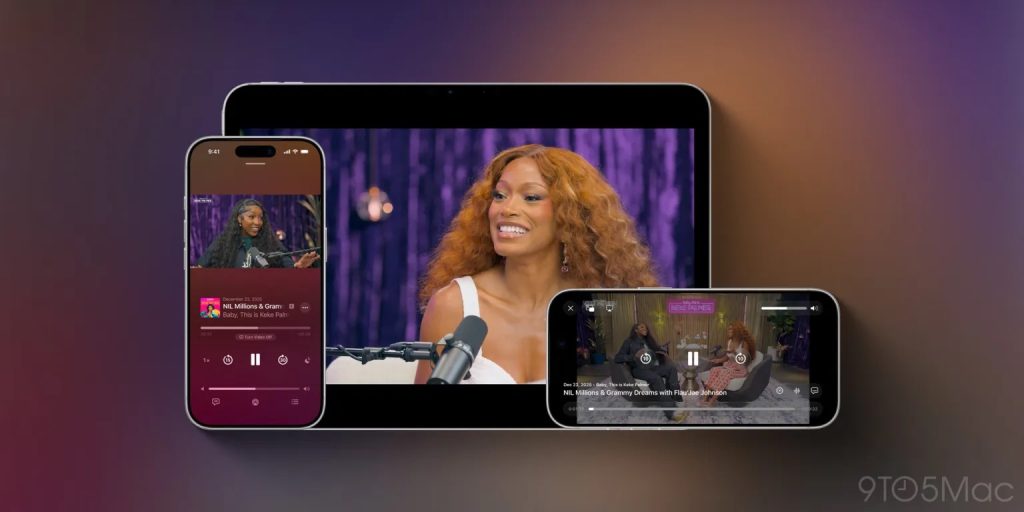
The updated experience puts podcasts front and centre, making it easier to browse shows, discover episodes and get back to something you were already listening to.
It also makes a lot of sense for Apple TV.
Podcasts have increasingly become something people consume on the biggest screen in the house — whether that’s while cooking, relaxing on the sofa or simply leaving something playing in the background.
There are also plenty of smaller refinements throughout the system, from the interface and navigation to improvements designed to make Apple TV feel more connected to the rest of the Apple ecosystem.
How to update your Apple TV
As always, tvOS 27 is available as a free software update for compatible Apple TV models.
Updating is straightforward:
Just head to Settings > System > Software Updates > Update Software.
If tvOS 27 is available for your Apple TV, you’ll be able to download and install it from there.
And just like that, another Apple device has joined the 27 software club.