Spark Mail has just picked up its iOS 27 update, and this one feels like more than a quick compatibility bump.
The popular email app is taking advantage of some of the bigger changes in iOS 27, particularly the new Siri capabilities, to make it possible to do quite a bit more without actually opening Spark and poking around your inbox.
And honestly, email is probably one of the places where that makes the most sense.
Siri can finally see what you’re looking at
One of the biggest changes is the way Spark now works with Siri.
Previously, Siri could trigger certain Spark actions, but it didn’t really understand the context of what was happening inside the app. With iOS 27, that’s changing.
Siri can now understand the message or inbox row you’re looking at in Spark.
So you can say things like “summarize this email thread” and Siri can pull out the important bits — including who’s involved, what’s been said and what’s still waiting to be resolved.
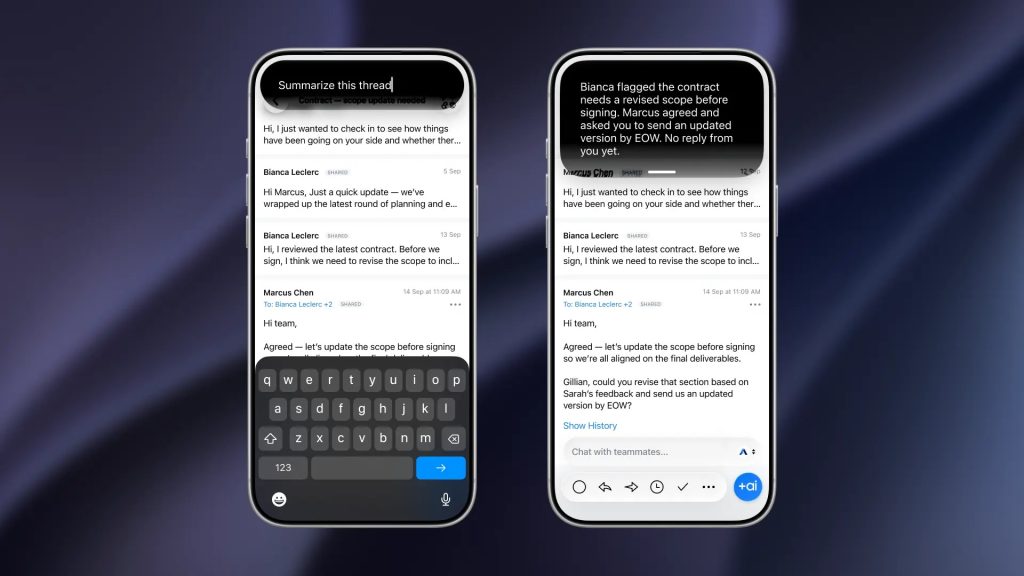
You can also give much more natural commands based on what’s currently on screen.
“Archive this one.”
“Delete the one from Marcus.”
“Who else is on this thread?”
Spark can now understand what you’re referring to rather than making you spell everything out.
Your inbox, completely hands-free
The Siri integration goes beyond reading emails, too.
Spark says you can now use your voice to:
- Archive emails
- Delete messages
- Mark messages as read
- Pin messages
- Flag messages as junk
- Summarize conversations
- Reply to emails
- Reply all
- Forward messages
That means you can deal with a surprisingly large chunk of your inbox without touching the screen.
And because Siri understands the message you’re currently viewing, you don’t necessarily have to tell it exactly which email you’re talking about.
It’s a small change on paper, but it makes Spark feel much more like part of iOS rather than an app sitting separately from it.
You can reply without typing
Spark is also leaning into voice replies.
You can dictate a response to an email, ask Siri to reply, reply all or forward the message, with Spark handling the correct account and conversation.
That could be particularly handy when you’re driving, walking around the house, or simply don’t fancy typing out another “Thanks, sounds good!” email.
Spark Calendar joins the party
There’s another pretty big addition hiding in the update: Spark’s calendar is now exposed to Siri, Shortcuts and Spotlight.
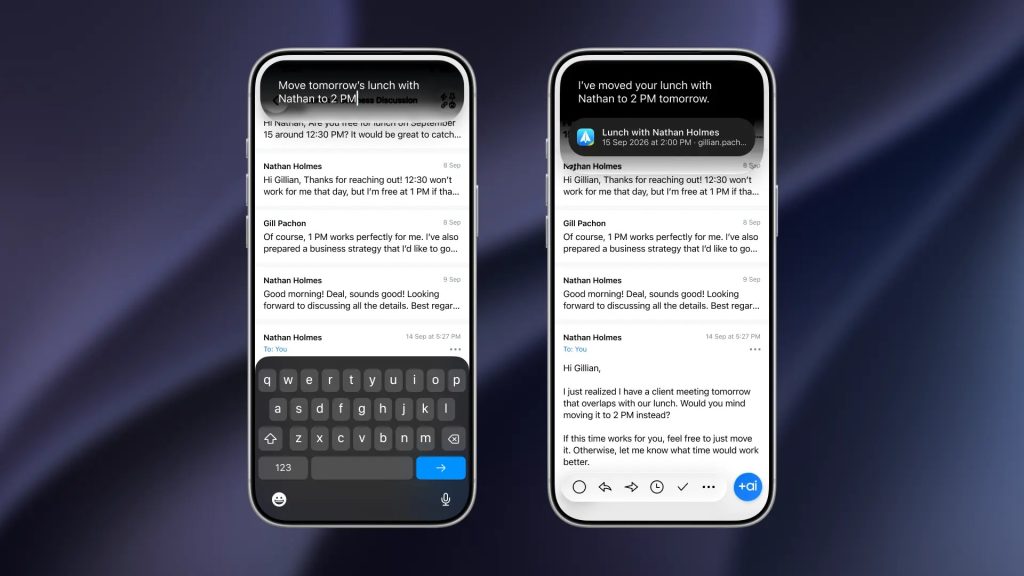
That means you can create, change and delete Spark Calendar events without opening Spark itself.
For example:
“Schedule a call with the team tomorrow at 2pm.”
Or:
“Move my 3pm to 4.”
Or even:
“Cancel Friday’s standup.”
Spark says those actions can now be handled directly through Apple’s system-level features, with calendar invites sent where appropriate.
It’s a much more integrated approach than simply adding another set of Siri commands.
Spark adapts to iOS 27’s new layouts
The update also prepares Spark for iOS 27’s more flexible windowing.
Apple now allows iPhone Mirroring on the Mac to be resized into different shapes and aspect ratios, rather than keeping everything locked to a fixed phone-shaped window.
Spark’s interface now adapts to those different sizes, meaning the app should remain comfortable to use instead of simply stretching everything until it looks a bit weird.
It’s one of those changes you might not notice immediately — which is probably a good thing.
A surprisingly big Spark update
What I like about this update is that Spark isn’t trying to reinvent email.
Instead, it’s taking the things iOS 27 is already making better — Siri, Shortcuts, Spotlight and flexible layouts — and making Spark play nicely with them.
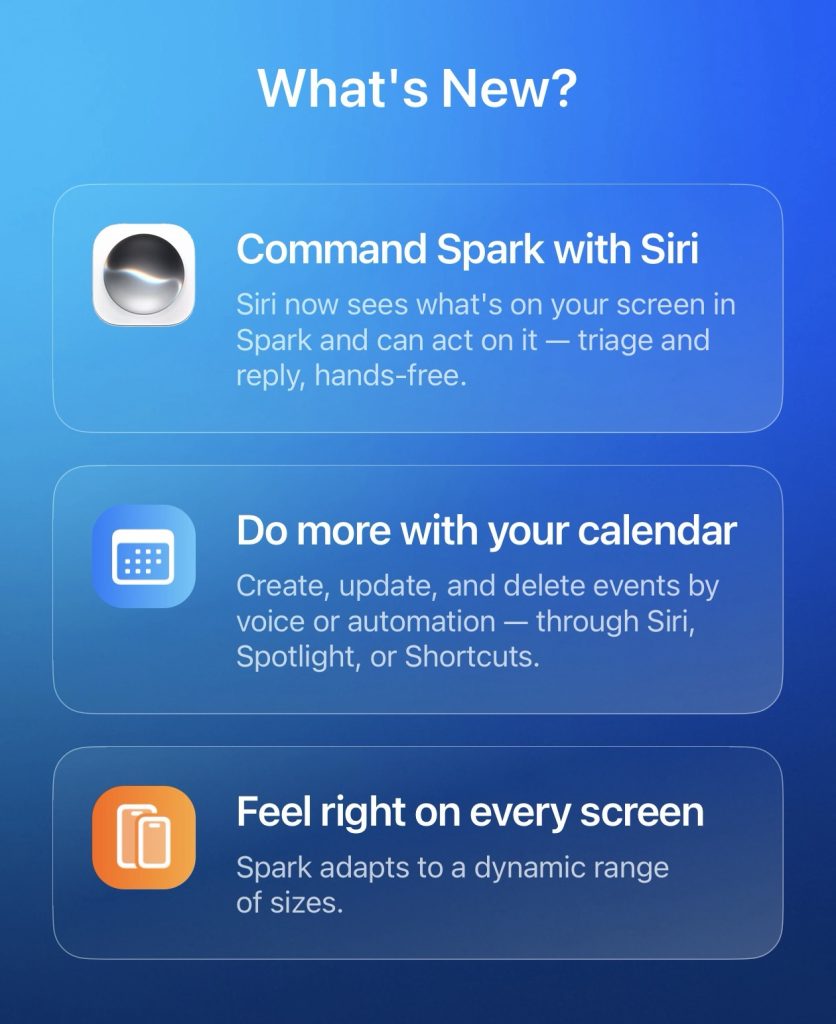
The result is an email app that can do considerably more without demanding that you constantly open it.
And if you’re already using Spark, this feels like one of those updates worth installing simply to see how much of your inbox Siri can now handle for you.
Spark’s iOS 27 update is available now — with the more advanced Siri on-screen awareness requiring a compatible Apple Intelligence device and supported language/region.